Church leaders often want to know what local employees at other churches are paid. They want to know if pay at their church is locally competitive. While this sounds like an easy question to answer, it’s actually extremely challenging.
For starters, generating local averages and salary ranges at the level of your city and ZIP code will always be impossible because there simply aren’t enough church employees for this kind of big picture analysis (after you group employees based on position, status, and church budget). Learn more about the challenges of measuring local pay here.
Thankfully, ChurchSalary has figured out a solution that lets Pro and Pro+ members find a list of comparable employees within their region, state, and metro area.
Read the article below or watch the hands-on tutorial to get a sense of how this new feature works.
Conducting a Local Market Survey
To get started, select an employee profile, then click the “Market Survey Match” button on your Dashboard.
The application will automatically fill in fixed variables based on the employee you've selected. These fixed variables are the starting point of the filtering process. These variables are fixed because ChurchSalary's extensive research and experience indicate that they are the most recipe for identifying “similar employees serving at similar churches.”
Similar Employees
- Position
- Status (FT/PT)
Similar Churches
- Budget Range (fully customizable)
- Total Salary
Below the fixed variables in Step 2, you will see an estimate of the number of matching employees based on your initial parameters.
Location Filtering
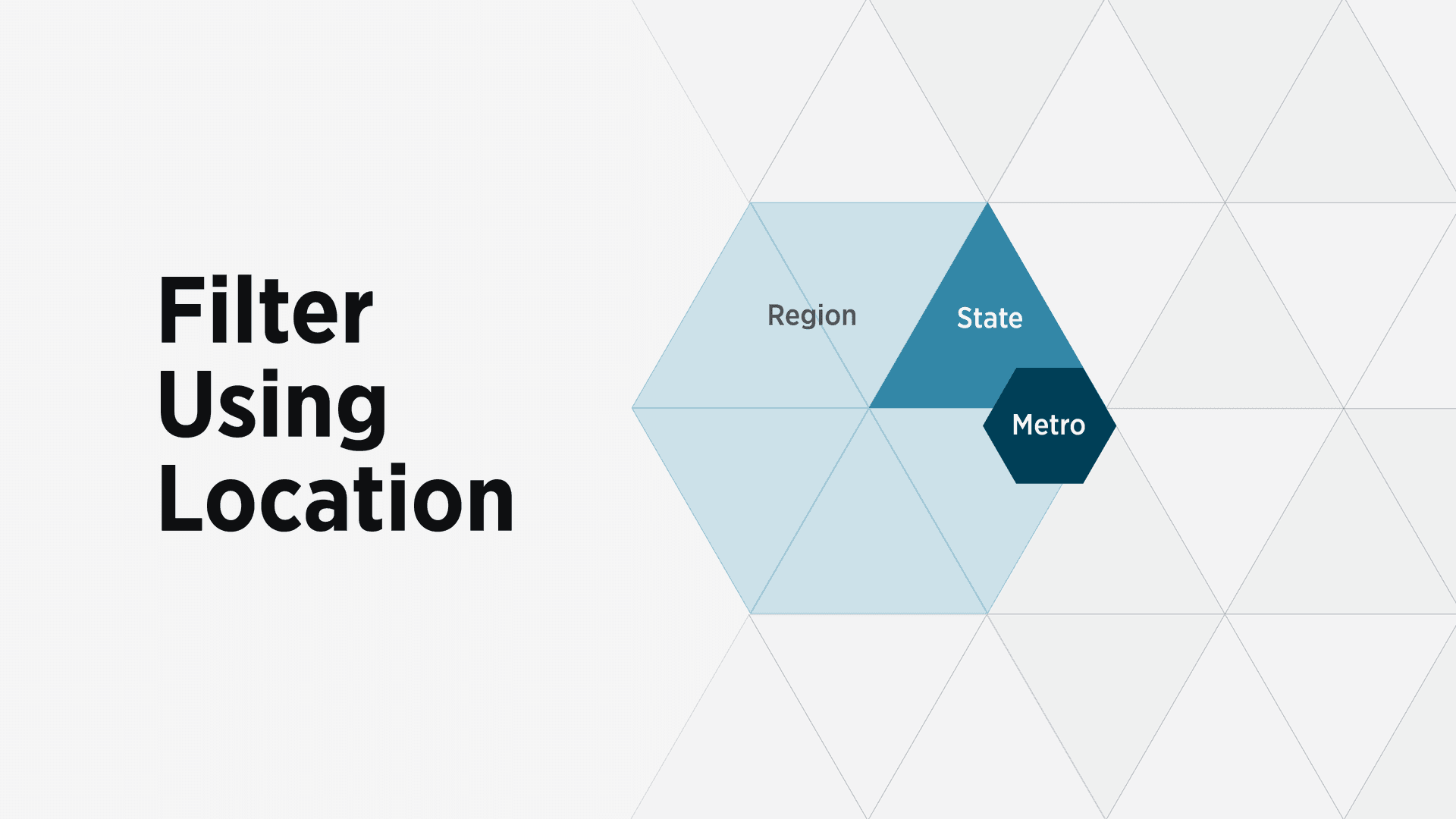
To filter based on location, you can choose from three different geographic scopes:
- Region
- State
- Metro/Micropolitan Area
Region
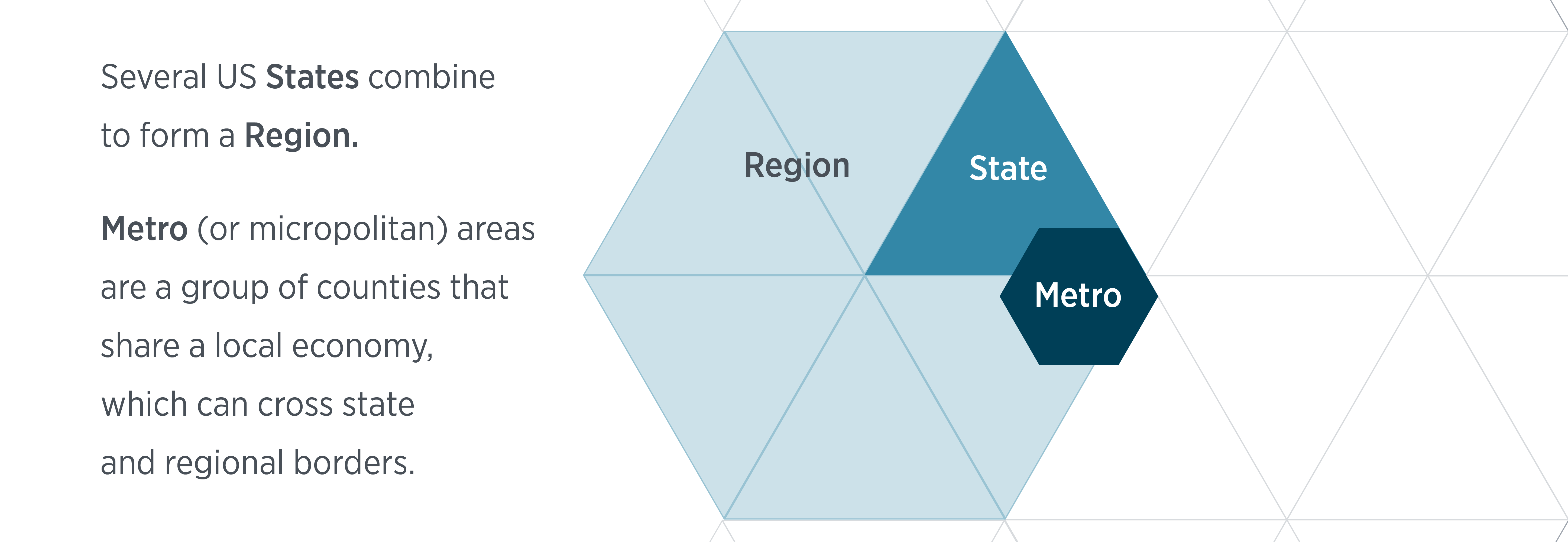
The location filter with the widest possible geographic scope is region. The regions that ChurchSalary uses are a group of states organized around the Regional Information Offices of the Bureau of Labor Statistics (BLS). We use this scheme in particular because the BLS uses it to track and report compensation data.
While you can select other regions, the Market Survey Match app will automatically select the region in which your church and employee are located.
In fact, all adjustable variables will automatically populate based on your selected employee and church location when you add them to your list of filters. You can choose a different option, but if your goal is to generate a list of comps for your selected employee you won’t need to do anything more than add the variable.
State
To narrow your search even further, you can add “Location (State)” as an adjustable variable. Because every region is composed of several states, you will only need to filter using either region or state but not both.
Depending on your search parameters, state may be disabled for as a filter. Consult the Privacy & Security section below to learn more about this security feature.
Metro
To narrow your search even further, you can add “Location (Metro)” as an adjustable variable. The app will use your selected church location to automatically geolocate your metro/micropolitan statistical area.
Metro and micropolitan statistical areas are composed of a group of countries that share a local economy. Because metro/micro areas can cross state and regional borders there may be a benefit to combining state and metro as filters.
For example, the Chicago-Naperville-Elgin, IL-IN-WI metro area is composed of 14 counties which span Illinois, Indiana, and Wisconsin. A market survey that filters for Illinois at the state level and Chicago at the metro level will exclude employees in the 5 counties located in Indiana and Wisconsin.
Another notable example is the St. Louis MO-IL metro area which spans two states (Missouri and Illinois) and two regions (Midwest and Mountain-Plains). If your metro/micro area spans both states and regions, you may want to combine all three filters (region, state, and metro).
**Have questions about what metro areas are and why ChurchSalary uses them as our narrowest location filter? Scroll to the bottom to nerd out.
Safety and Privacy
To protect the anonymity of churches and employees, ChurchSalary built several safety features into the application to prevent users from targeting specific churches and employees.
To evaluate if a local search is safe, ChurchSalary calculates the odds that your search parameters (budget & size) fit fewer than 200 local churches—at both the state and metro level. If your budget range is too narrow, or if you include size, the state or metro location filters will be automatically disabled.
The calculation process that powers this safety features happens behind the scenes, constantly, using ChurchSalary's proprietary knowledge of the distribution of churches based on budget and size, the number of churches in each metro area and state, and some complicated calculus formulas.
Your ability to use location filtering will vary based on the following:
- Range Width — Overly narrow budget (and/or size) ranges will match fewer churches in the real world, limiting your ability to use local filtering. If local filtering is an important part of your market survey, you may need to widen your budget (and/or size) range to target a broader set of churches.
- Large/Small — Because the vast majority of churches are medium to small sized, you may struggle to filter for large and mega churches both in terms of budget and size.
Note that there are some states and metro/micro areas where local filtering may never be possible because there are only a handful of churches. For example, several US states are so sparsely populated in terms of people and churches that using state and metro as a filter may never be possible (e.g., Utah, Wyoming, Montana, and Nevada). If this applies to you, remember that you can always select region as an option.
Anonymized Results
When you click “Find Matches,” ChurchSalary finds the 3-5 employees with the closest matching total salary based on your input parameters.
To protect your privacy, ChurchSalary anonymizes each matching church and employee by stripping out precision in the budget and attendance ranges and removing details strategically to further ensure that no one can identify specific employees or churches.
While these safety features will constrain the ways in which you can conduct local market surveys, they are crucial for protecting the anonymity of the churches and employees that use our platform.
To learn more about how to use this application, check out our other How-To videos on the Market Survey Match application.
**What is a Metro or Micropolitan Statistical Area? And why does ChurchSalary use it?
The US Census Bureau (and other government agencies) group counties together based on their shared local economy. The technical term for these geographic areas is a CBSA or Core Based Statistical Area. CBSAs can be either a metropolitan or micropolitan statistical area. Metropolitan Statistical Areas (abbreviated as MSA) have an urban core with more than 50,000 people. Micropolitan Statistical Areas (abbreviated as μSA) have an urban core of 10,000 to 49,999 people.
Expanded or higher members can easily identify their metro/micro area using the Cost of Living Analysis app.
ChurchSalary uses metro/micro areas as its narrowest location filter because our research indicates that if pay varies based on location, statistically significant differences only emerge at the metro/micro level. This is because most pastors and staff can live anywhere in a metro area and commute to work. Additionally, key metrics such as difference in the cost of labor, cost of living, and income tend to correlate most strongly at the metro level.
Note that there are places in the country that are not contained with a metro or micropolitan statistical area. Churches located in rural areas and small town churches may only find value in the state and region filters.
That said, even if your church is located in a rural area or small town—outside of a metro/micro area—you can still find demographic data for your "local economy" in the Cost of Living Analysis app. To solve this problem for churches, ChurchSalary identified a substitute geographic entity called the PUMA or Public Use Microdata Area by the US Census Bureau. The PUMA is a geographic entity that contains 100,000 people and is useful for subdividing rural areas into a kind of "metro area."